* * HELP & MANUAL PREMIUM PACK 3 DEMO VERSION * *
This documentation was styled with a demo skin from the Premium Pack 3 add-on for Help & Manual. The contents of the skin are encrypted and not configurable.
This version is copyright and may only be used for local testing purposes. It may not be distributed.
Please purchase the full version of the Premium Pack to get the configurable skins and remove this notice.
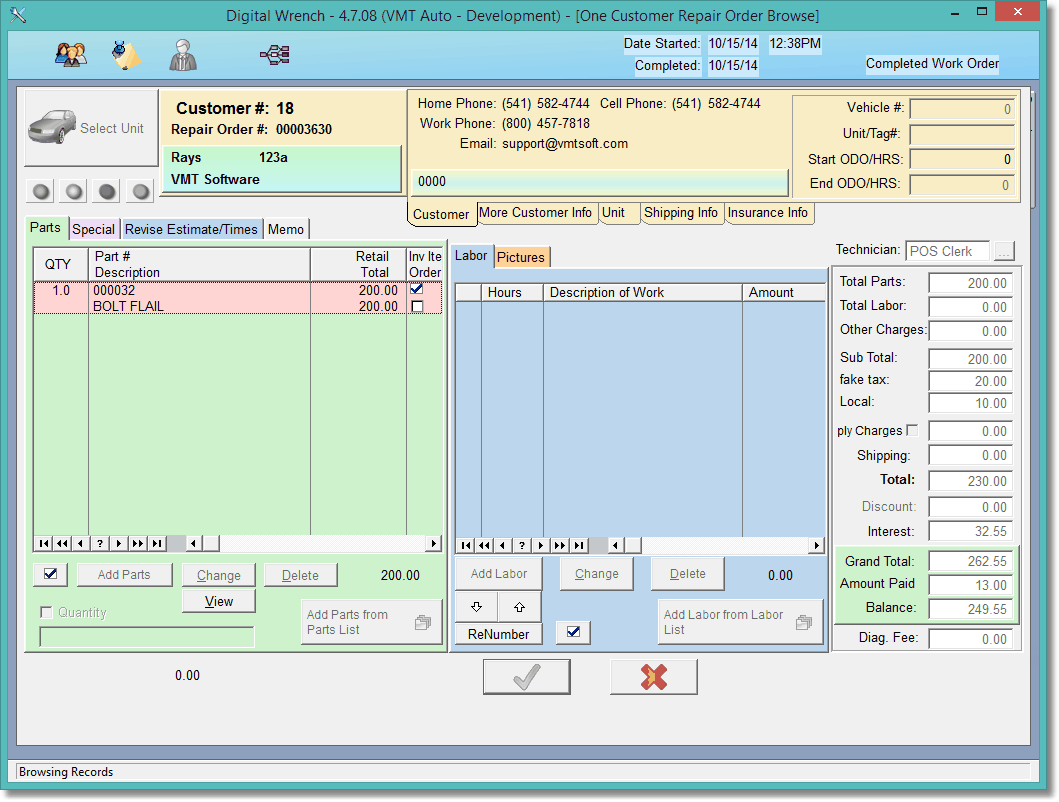
If an RO is completed, you can still view it, just not change it. Click the view button to view the parts. If you change the customer information, the program will update the customer info in the RO.. but not any totals.
Notice how the Check is grayed out? If you click to view an active work order, the check will be active and you'll be able to change the RO.
