* * HELP & MANUAL PREMIUM PACK 3 DEMO VERSION * *
This documentation was styled with a demo skin from the Premium Pack 3 add-on for Help & Manual. The contents of the skin are encrypted and not configurable.
This version is copyright and may only be used for local testing purposes. It may not be distributed.
Please purchase the full version of the Premium Pack to get the configurable skins and remove this notice.
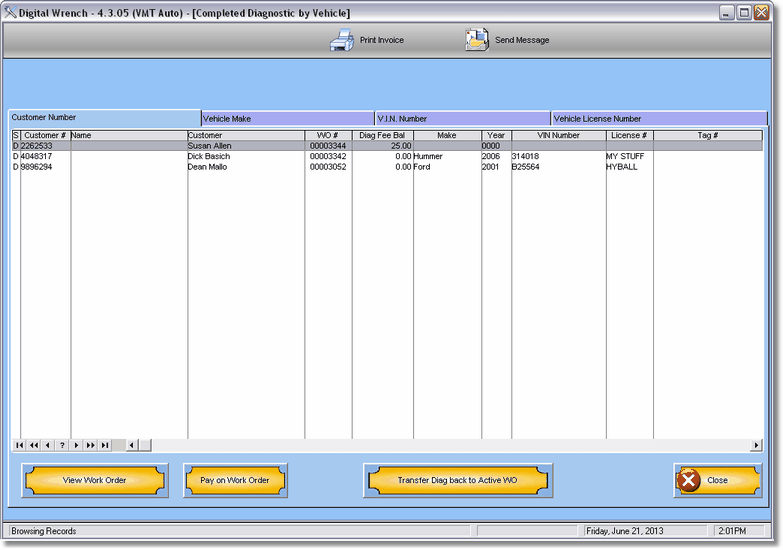
Shows completed diagnostic work orders. These are work orders that the customer did not want done so you charged a diagnostic fee for checking it out and transferred it here.
To view the work order as it would have been done click on View Work Order button.
If a fee was charged you can pay by clicking on the Pay on Work Order button.
If you want to make it into an active work order click on Transfer Diag back to Active WO.
