* * HELP & MANUAL PREMIUM PACK 3 DEMO VERSION * *
This documentation was styled with a demo skin from the Premium Pack 3 add-on for Help & Manual. The contents of the skin are encrypted and not configurable.
This version is copyright and may only be used for local testing purposes. It may not be distributed.
Please purchase the full version of the Premium Pack to get the configurable skins and remove this notice.
To get to this screen, click on the main menu, Work Orders, Completed Work Orders with a Balance, or click on the 2nd icon from the left,
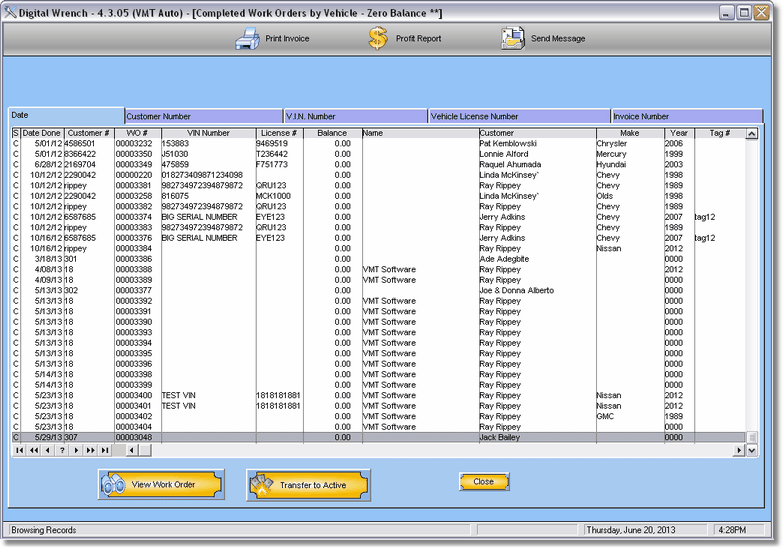
Here you can search by date (Type in the date and press Tab), Customer #, (type in the customer # and press Tab or lookup the customer by pressing the lookup ellipse button)
