* * HELP & MANUAL PREMIUM PACK 3 DEMO VERSION * *
This documentation was styled with a demo skin from the Premium Pack 3 add-on for Help & Manual. The contents of the skin are encrypted and not configurable.
This version is copyright and may only be used for local testing purposes. It may not be distributed.
Please purchase the full version of the Premium Pack to get the configurable skins and remove this notice.
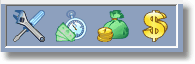
To get to this screen, click on the main menu, Work Orders, Completed Work Orders with a Balance, or click on the 2nd icon from the left.
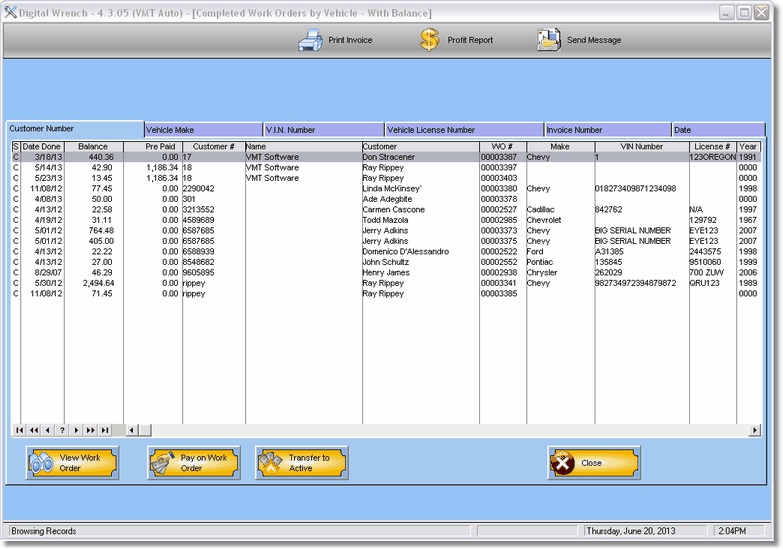
You can print the work order, print the profit report of the highlighted work order, or send the customer a message via text or Email.
Also, depending on which tab you choose, you can print some reports.
These work orders still have a balance left, so there are only 3 options.
!. Look at the work order (no editing allowed)
2. Pay on the Work Order
3. Transfer it back to active so you can do more work on it.
