|
<< Click to Display Table of Contents >> Rental Packager |
  
|
|
<< Click to Display Table of Contents >> Rental Packager |
|
The rental packager is like a template. This makes it easy to add rentals to a customer. Basically it copies the information to the rental for you. You can change the rental to be whatever you like after that.
To get to the rental packager, Press Escape from the Point of Sale screen, Go to File, Rental Packager.
Here is the browse of the Rental Packages:
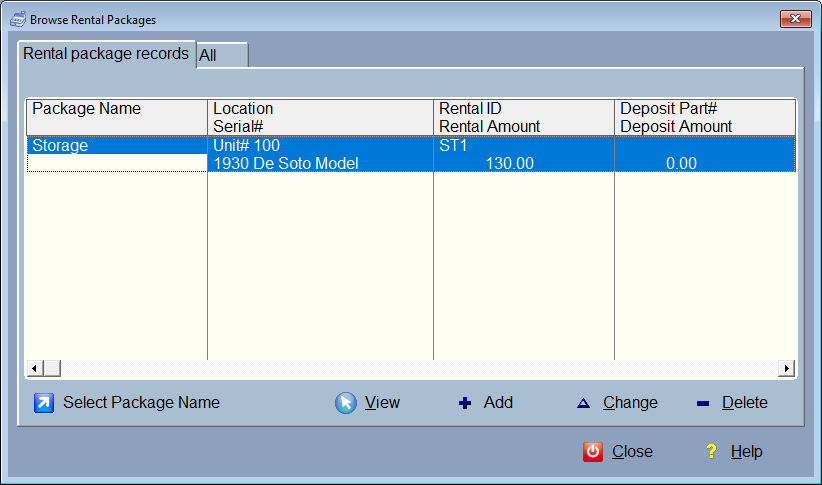
Press Add to add a new package.
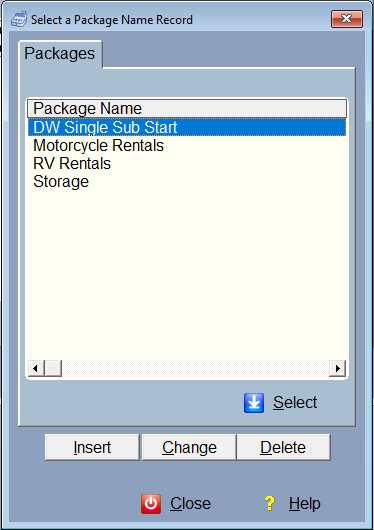
You'll need to select or add a package name:
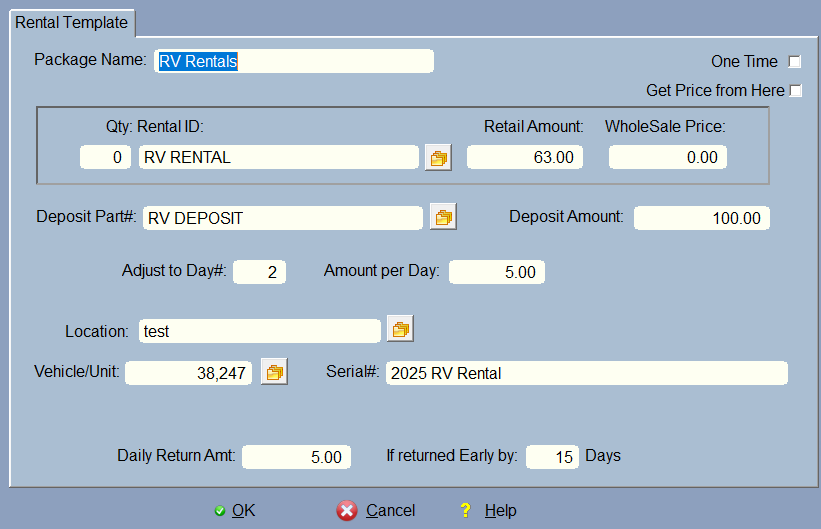
Package Name and Rental ID are required.
One Time means this will only be used once. This is good for any items they have to purchase when they first get set up. After it is processed and finished, it will delete this item from the rental screen (tab).
Rental ID is the item in your inventory. This is required. When you select using the  icon from inventory, it will bring in the retail and wholesale prices.
Get Price from Here let's you override the pricing from inventory.
Deposit must also have an inventory part so it can be put on the screen as a line item. Once the transaction is completed, the deposit will be zeroed out, as it is a one time thing.
Pro Rate Day is the day of the month to pro-rate to. Let's say you want all of your billing to happen on the first of the month. Type in a 1 here and the next billing date will be on the first of next month. The Amount per Day is how it figures the pro-rate amount. ProRate only happens once.
Location must be in the location lookup file. It is not required. You could also just use a package and have a different location in each of the rentals.
Vehicle# is selected by using the which looks up the vehicle or unit from the vehicle/unit master file. This will bring in the data for the serial# (usually year make and model). You can override this here. It will show up in the invoice printout if that printout supports the serial# field. If you're just renting a storage unit and you don't know or care what is being stored, then there's no reason to fill out this information. Or, if you want to supply the actual customers vehicle after you've selected this package, leave it blank here, then select the customers vehicle from the rentals screen.
Daily Return Amount is the amount you will return to the customer if they return the item (or quit using the rental) early. If you don't give money back if they are early, just don't fill this out.
Each package can have unlimited rentals. When you select one from the rental screen, it will bring in all items from that package.
The package browse from the rental screen:
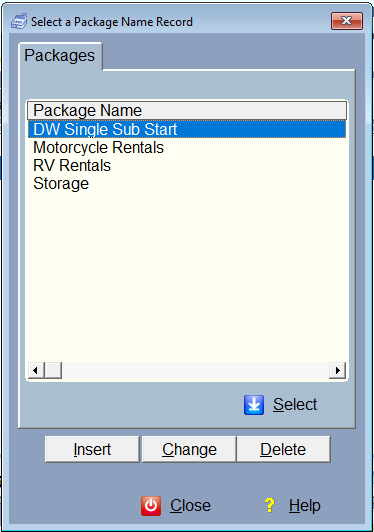
Simply select the Package you want and the items in that package will be added to the rental screen.
Remember, packages are like templates, and once it is in the rental screen, you can modify the rental items to fit your requirements. Packages are just a shortcut.