|
<< Click to Display Table of Contents >> ElistNamesTable |
  
|
|
<< Click to Display Table of Contents >> ElistNamesTable |
|
This screen displays when you have selected the Select List Button.
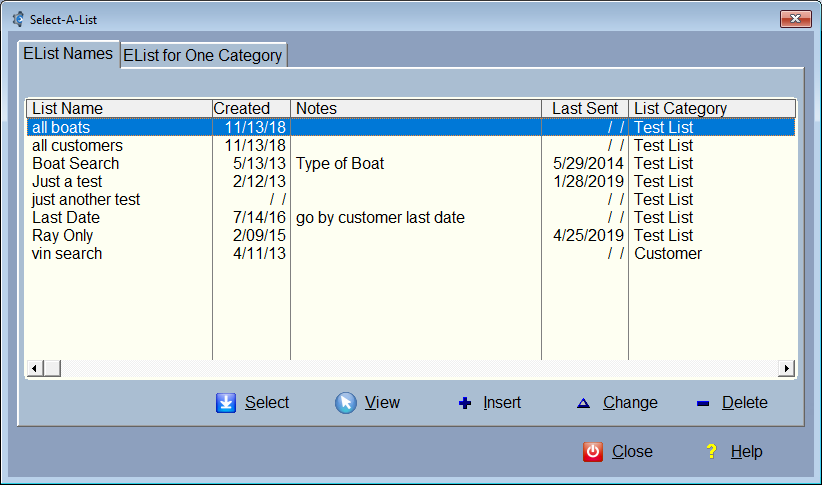
From here, you can just select a list if you've already create one, or Press Insert to add a new list name.
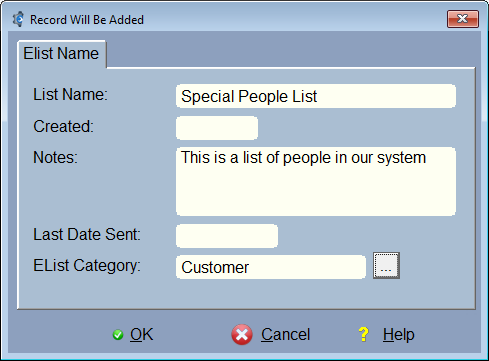
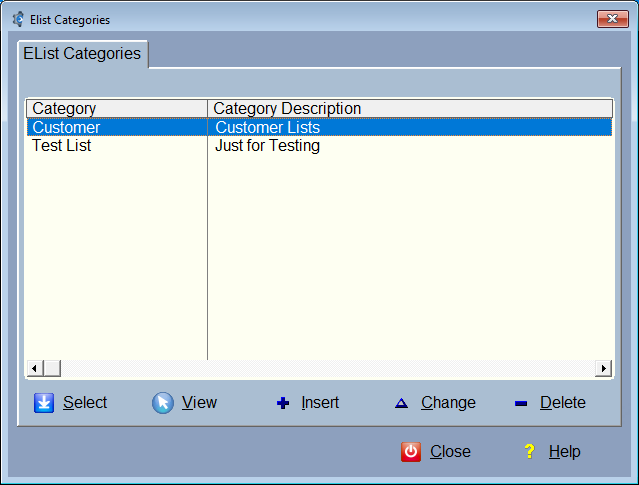
You can add a category, and that's a good idea if you're going to have a lot of lists, like different customer lists that you can put all under one category.
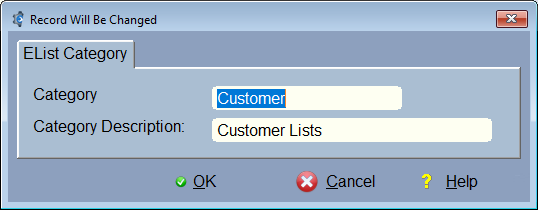
Here is the entry form for the Elist Categories: