* * HELP & MANUAL PREMIUM PACK 3 DEMO VERSION * *
This documentation was styled with a demo skin from the Premium Pack 3 add-on for Help & Manual. The contents of the skin are encrypted and not configurable.
This version is copyright and may only be used for local testing purposes. It may not be distributed.
Please purchase the full version of the Premium Pack to get the configurable skins and remove this notice.
The original estimate amount will be shown whenever you add a revised estimate. Enter the additional amount and press the tab key, the new estimate amount is calculated for you. Enter the person that authorized the new amount, the date and time is automatically entered for you but you can change them. Click on in person or by phone then type in the reason for the change.
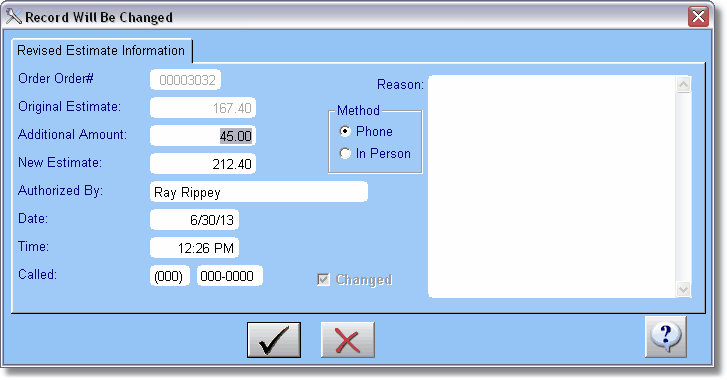
Click on the Check button to save the revised estimate button.
