* * HELP & MANUAL PREMIUM PACK 3 DEMO VERSION * *
This documentation was styled with a demo skin from the Premium Pack 3 add-on for Help & Manual. The contents of the skin are encrypted and not configurable.
This version is copyright and may only be used for local testing purposes. It may not be distributed.
Please purchase the full version of the Premium Pack to get the configurable skins and remove this notice.
This is your inventory table for parts. You can lookup these parts later to add to a work order. Whether or not you care to track the inventory, this makes it much more convenient to add frequently used parts to work orders.
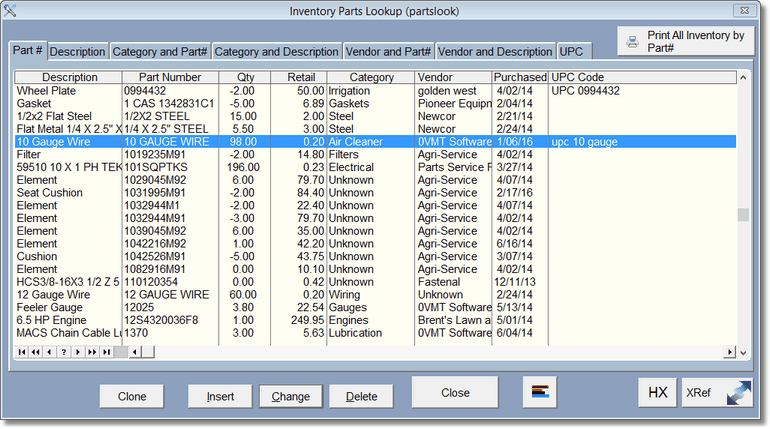
As most tables, you simply click on the Tab at the top to lookup the items in that particular order. For some lookups, you will need to select a category or vendor. After that you can type in the part#, or description (depending on how you are looking it up). Simply start typing and the program will help you find the item as you type.
Click on Insert to Add, Change to Change, and delete to delete the part. We don't recommend deleting parts as there may be reports you can get later.
