* * HELP & MANUAL PREMIUM PACK 3 DEMO VERSION * *
This documentation was styled with a demo skin from the Premium Pack 3 add-on for Help & Manual. The contents of the skin are encrypted and not configurable.
This version is copyright and may only be used for local testing purposes. It may not be distributed.
Please purchase the full version of the Premium Pack to get the configurable skins and remove this notice.
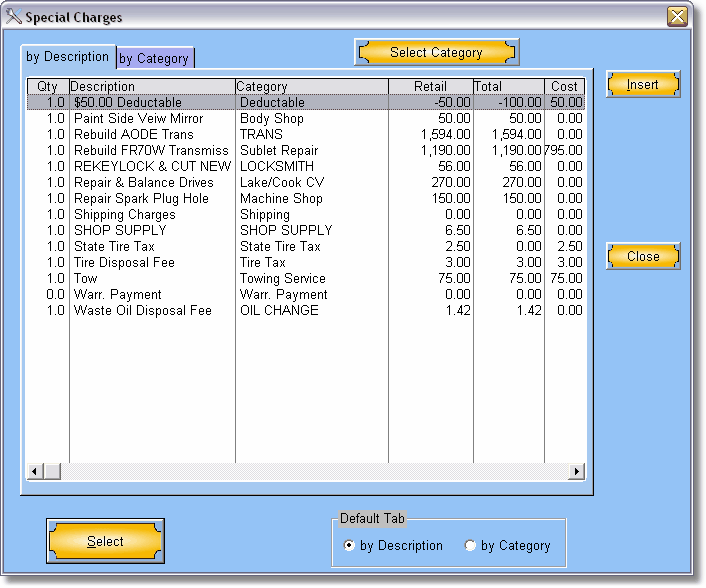
Special Repairs can be anything that doesn't fit into standard parts/labor.
One good use of Special Repairs is for disposal of old parts or material. If you have parts or other things that you charge to dispose of all time you should enter them into the Other Charges part of the program.
Add a charge from the list of charges click on Choose From List.
To add a charge not in the list click on Insert and fill in the information about that charge.
Click on Close when finished.
