* * HELP & MANUAL PREMIUM PACK 3 DEMO VERSION * *
This documentation was styled with a demo skin from the Premium Pack 3 add-on for Help & Manual. The contents of the skin are encrypted and not configurable.
This version is copyright and may only be used for local testing purposes. It may not be distributed.
Please purchase the full version of the Premium Pack to get the configurable skins and remove this notice.
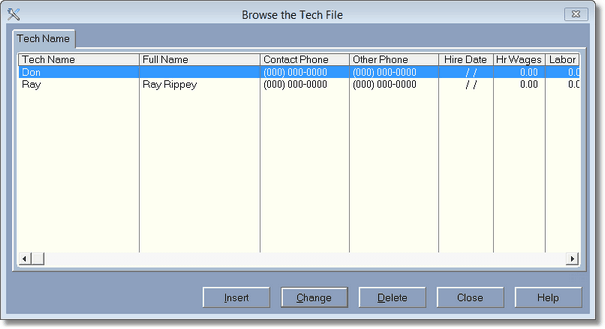
If you have more than one person doing work in your shop you should enter each one into the program as a technician. If you pay the technician an hourly wage then the program can track the hours for you using the Sign In and Sign out technician part of the program. Above is an example of 2 technicians.
