* * HELP & MANUAL PREMIUM PACK 3 DEMO VERSION * *
This documentation was styled with a demo skin from the Premium Pack 3 add-on for Help & Manual. The contents of the skin are encrypted and not configurable.
This version is copyright and may only be used for local testing purposes. It may not be distributed.
Please purchase the full version of the Premium Pack to get the configurable skins and remove this notice.
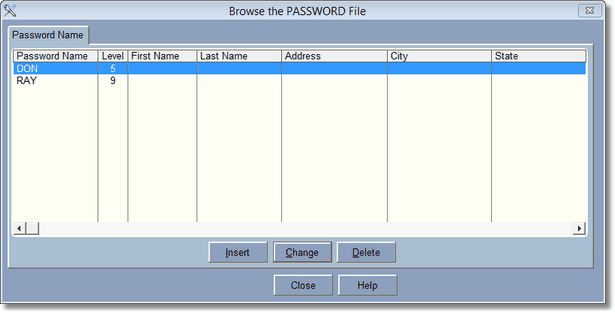
This browse shows all the people you have entered into the program. If one has been entered it will be empty.
Passwords are used to keep employee's out of certain areas of the program. Parts of the program that contain financial or other important information. If you have no employee's don't worry about entering passwords. To add a password press or click on Insert.
