|
<< Click to Display Table of Contents >> Show Tube |
  
|
|
<< Click to Display Table of Contents >> Show Tube |
|
This screen brings up a YouTube Video in a simulated browser window.
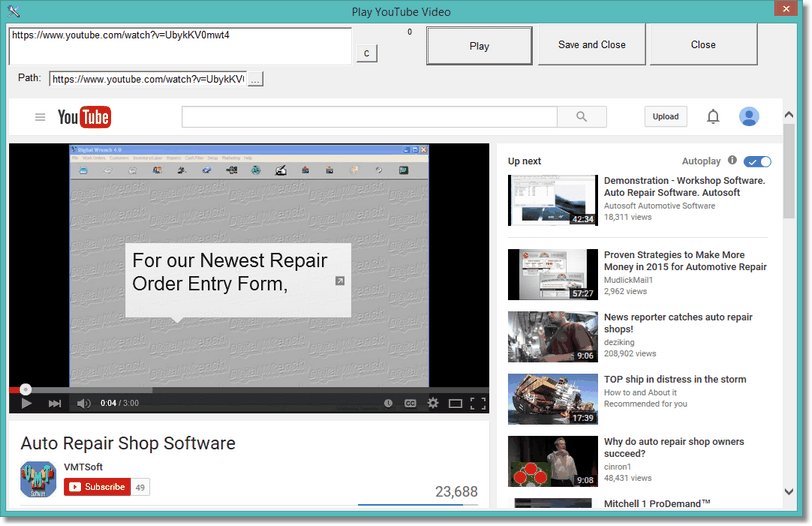
From here you can search for YouTube video's and play them. If you find the video you want to keep, just click on the Save and Close button. The URL for the video will be saved in the record that you called the YouTube video from. If the record already had something in it, the video will play automatically (assuming it it still on the internet). Otherwise, the YouTube home screen will display.
This is basically just like a browser, but specific to play and find YouTube Video's.
Note: Things have changed with windows browsers so it might say you have to update your browser (currently we're using the IE browser engine). Don't update your browser. Just quit then try again.
Also, the save and close doesn't work like it used to. You'll have to click on the share button on the youTube page, then click Copy Link. Then you can click on Save and close and it will store the correct link.